Some things
stay with you.
The image you stop for.
The idea you come back to.
Save it from any app. See how it all ties together.
Scroll to unfoldA spark.
Saved.
Find it anywhere. Keep it here.
Tap Share and choose Stashtela. The picture, the words, even the video come along.
Your taste,
taking shape.
A collection starts to say something.
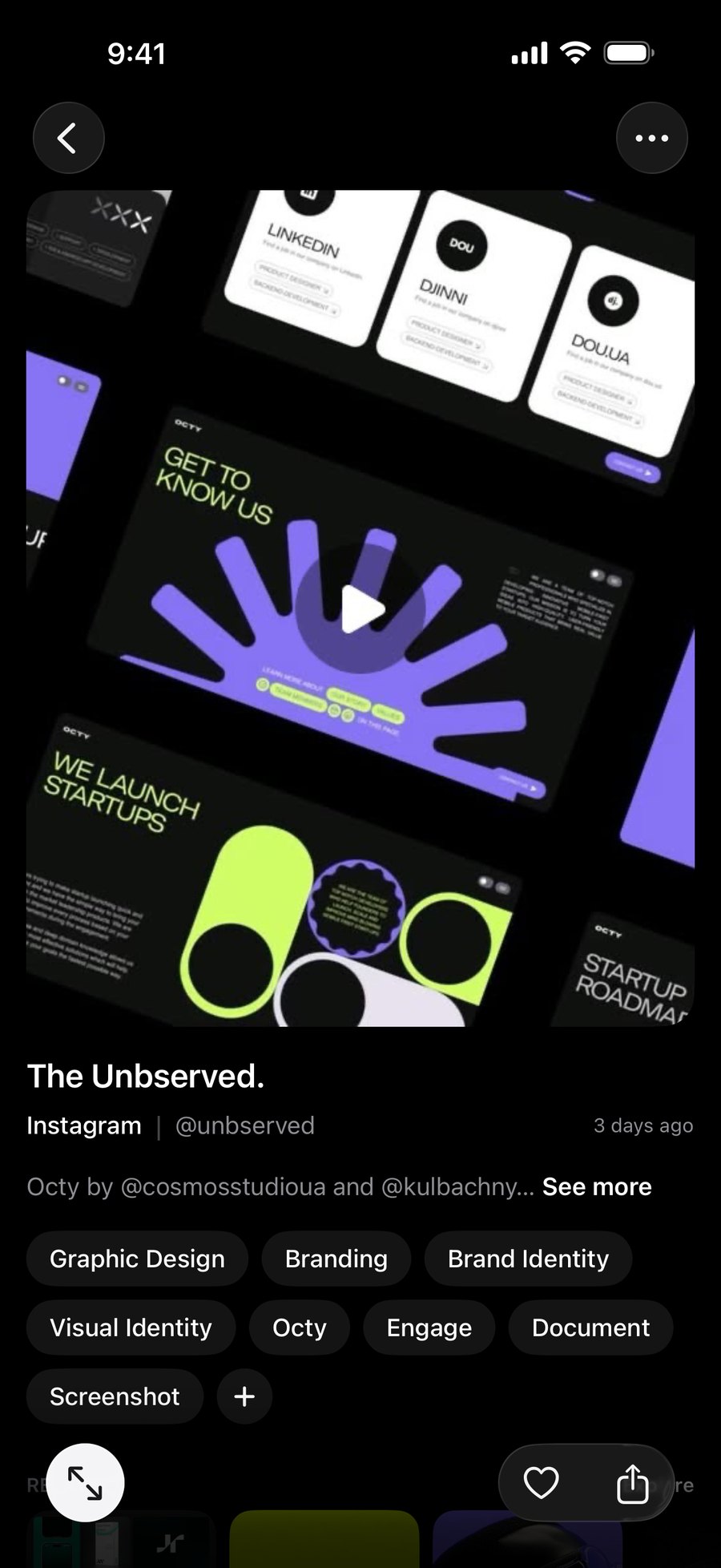
Stashtela tags each link on your phone. Similar saves gather into themes. Little by little, the patterns become clear.
One thing.
Then another.
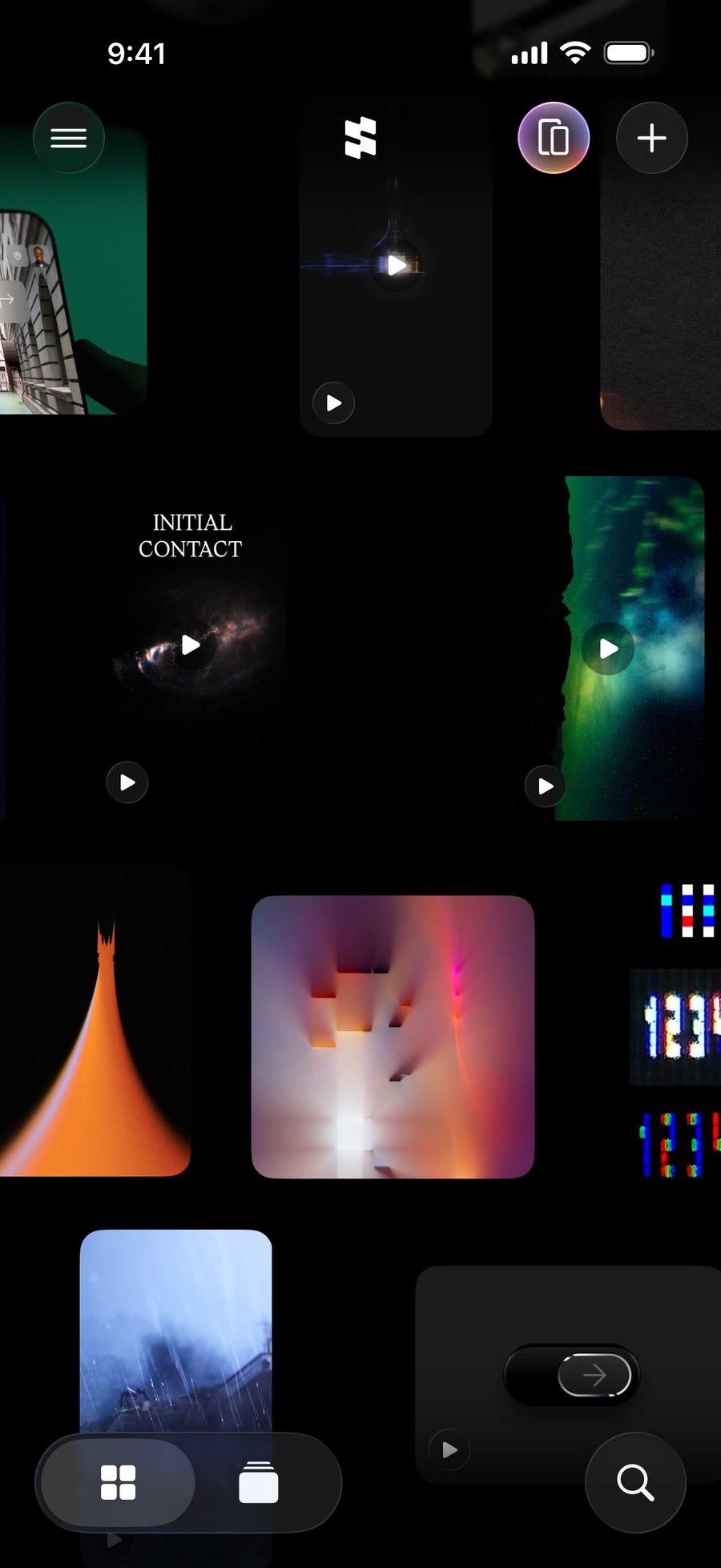
Your library is a world to wander.
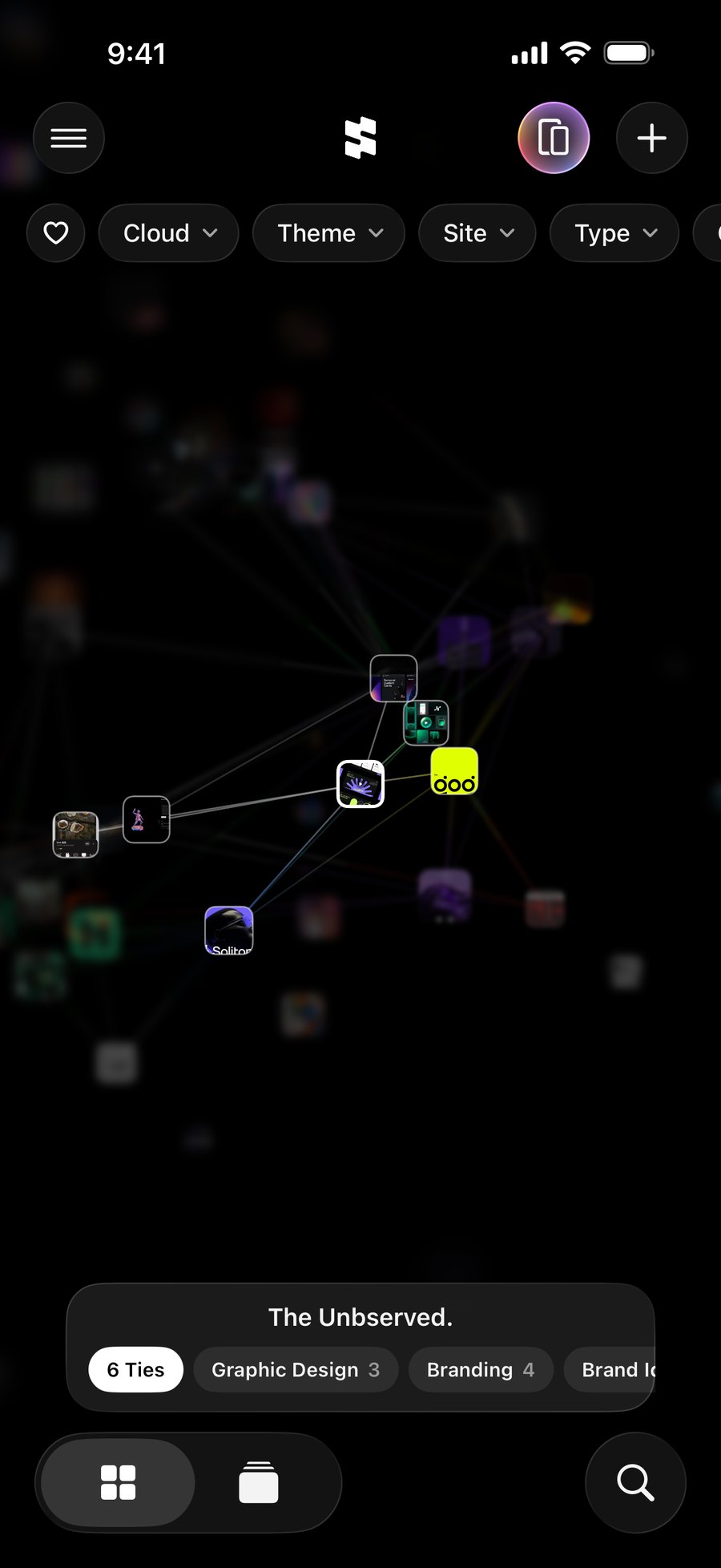
Tap a link. A light travels through the things it connects to—by picture, meaning, or tags. Follow it somewhere unexpected.
Your world.
Their world.
Put your phones side by side.
Your libraries become one cloud. See where your tastes meet, pass a link across, and leave with a little of their inspiration.
A world of your own.
Down to the details.
Find your way back.
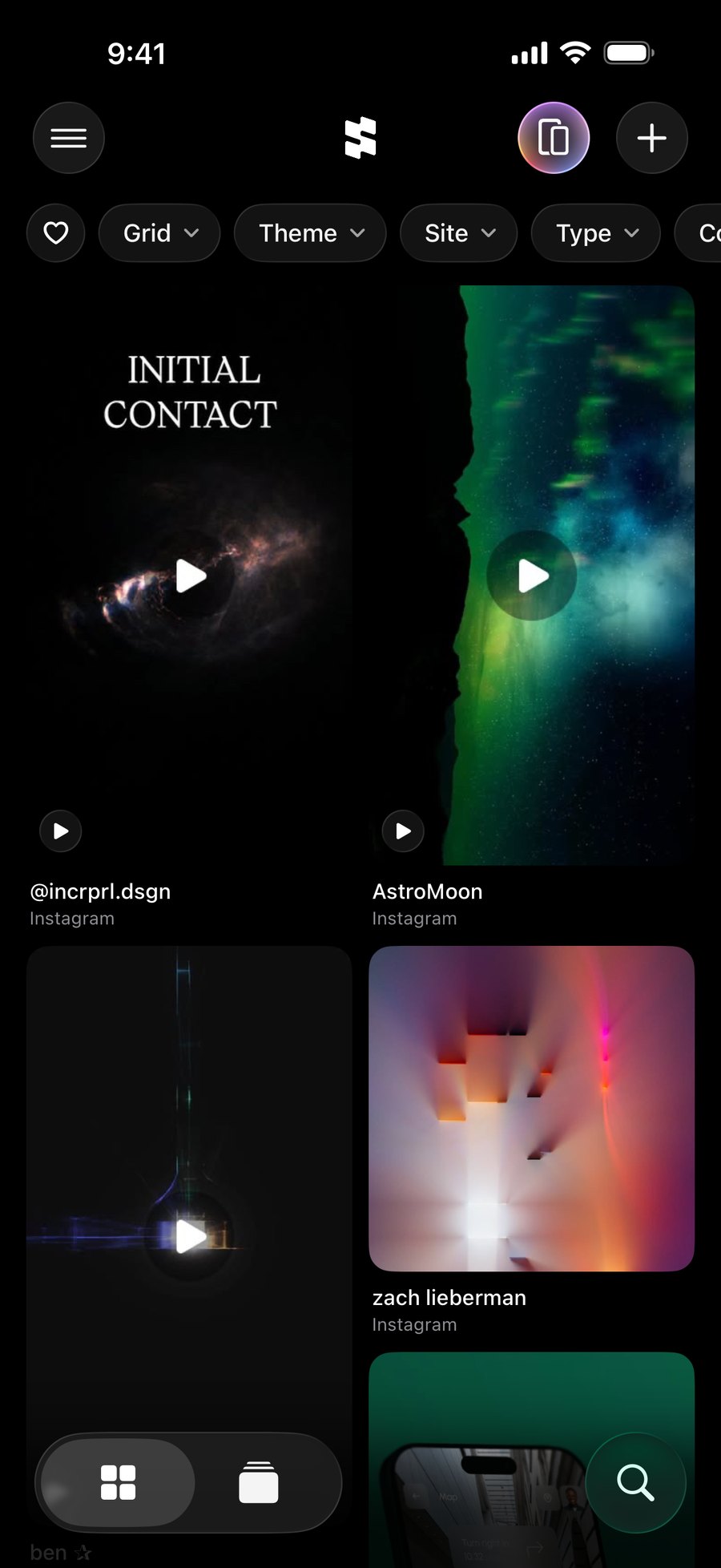
Search everything you saved, or filter by theme, site, type, or color.
Bring your saves along.
Import your Instagram saved posts and X bookmarks, or links from a file.
Keep it with you.
Sync with iCloud and revisit saved previews offline.
A few things
you might wonder.
A little more about life with Stashtela.
When can I get Stashtela?
Soon, on the App Store for iPhone with iOS 18 or later. The app is in English, Japanese, Spanish, French, Indonesian, and Arabic.
How do I save something?
In any app, tap Share and choose Stashtela. Or copy a link, tap + in Stashtela, and paste it. The picture, text, and video come along when the site offers them; some private or restricted posts don’t show a preview.
Is Stashtela free?
Yes, for your first 30 links. Stashtela Unlimited removes the limit, by the month or with a one-time purchase, and the app shows your local price before you buy. If a subscription ends, nothing is deleted: your newest 30 links stay open, and older ones are locked until you have Unlimited again.
Does it work offline?
You can browse your saved links and their previews offline. Fetching new previews, opening the original websites, playing videos, and syncing with iCloud need an internet connection.
Does Stashtela send my links anywhere to tag them?
No. Tags, themes, and connections are all worked out on your iPhone. With Apple Intelligence (iOS 26 or later), Apple’s on-device model writes the tags; otherwise they come from the words in a link and what its picture shows. You can add or remove tags on any link, or turn tagging off in Settings → Intelligence.
Can I bring my Instagram saved posts and X bookmarks?
Yes, from Settings → Import. For Instagram, ask Accounts Center for a download of just your saved posts (JSON works best), then choose the file in Stashtela; your collections can become projects. For X, sign in on X’s own page inside Stashtela and it reads your bookmarks for you, or choose a file from a bookmark exporter. You can also bring in links from a browser’s bookmarks or any list in a file. You see what’s new before anything is added.
What happens when I sit down with a friend?
Turn on the Table in Settings, then open it together. Up to eight phones nearby join one cloud, with no internet needed. Bring your whole library or just a few projects: links you both saved stack together, and you can pass links across. Only what you bring leaves your phone, but anyone at the table can take a link or keep a card of what you brought, so bring only what you’re happy to share.
Can I sync, back up, or delete my library?
iCloud Sync is on from the start when you’re signed in to iCloud, and you can turn it off in Settings. Your library is also part of your normal iPhone backups, and Settings → Export Backup saves a file you can keep anywhere and restore later. Delete links one at a time, or use Settings → Delete All Links to remove every link and project. Backups you exported and cards other people kept are separate copies and aren’t affected.
How do I get in touch?
In the app, go to Settings → Feedback. Pick whether it’s an idea or a problem, write a few words, and tap Send. Leave an email address if you’d like a reply.

Keep what
moves you.
Stashtela. A place for all of it.
Coming soon for iPhoneTake another look